PPPoE
Landscape supports two ways to establish a PPPoE connection:
- Use
pppd(requires installingpppdseparately) - Use the native PPPoE implementation
Using pppd
INFO
This icon is available only when the interface is in the WAN zone.
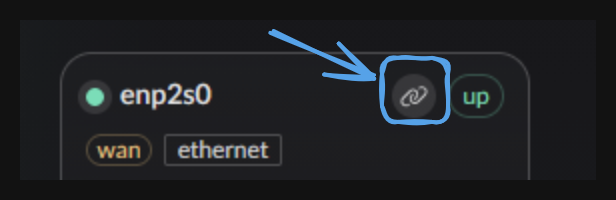
Clicking it opens the list of pppd configurations.
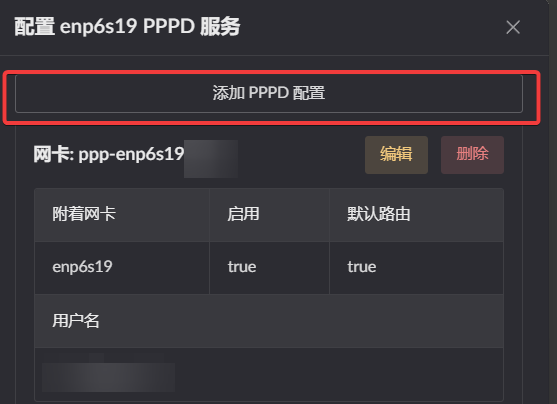
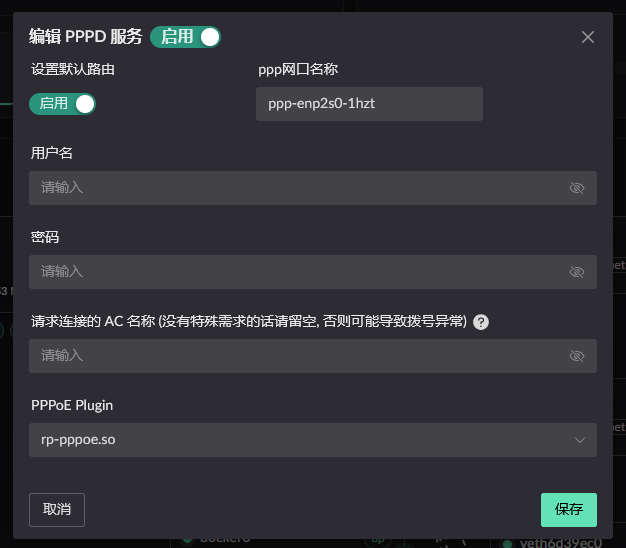
Click Add pppd configuration at the top of the list to open the editor.
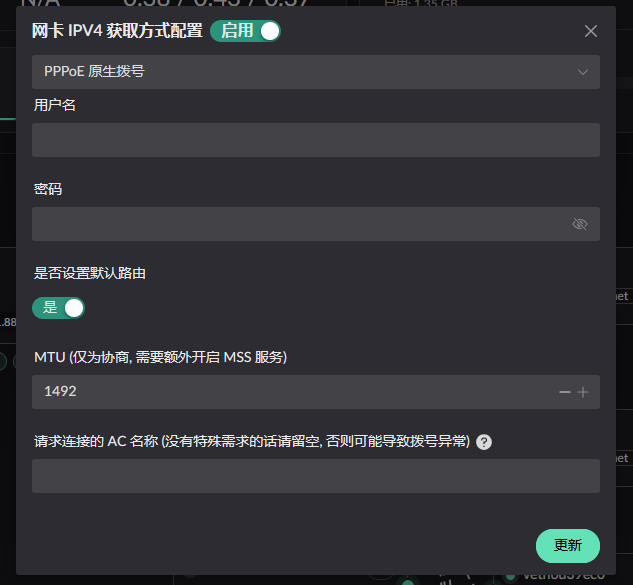
Native PPPoE
INFO
This method dials directly on the WAN interface and has slightly lower compatibility.
Click the IP button on the WAN interface.
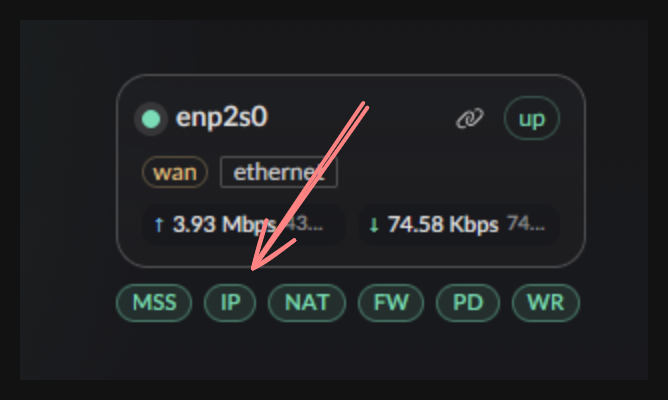
Select Native PPPoE from the dropdown.