Images Load Slowly After Rebooting with IPv6 Enabled
Some images may load slowly after the router is rebooted with IPv6 enabled because the resource may still be using an IPv6 address while the old IPv6 address is being released.
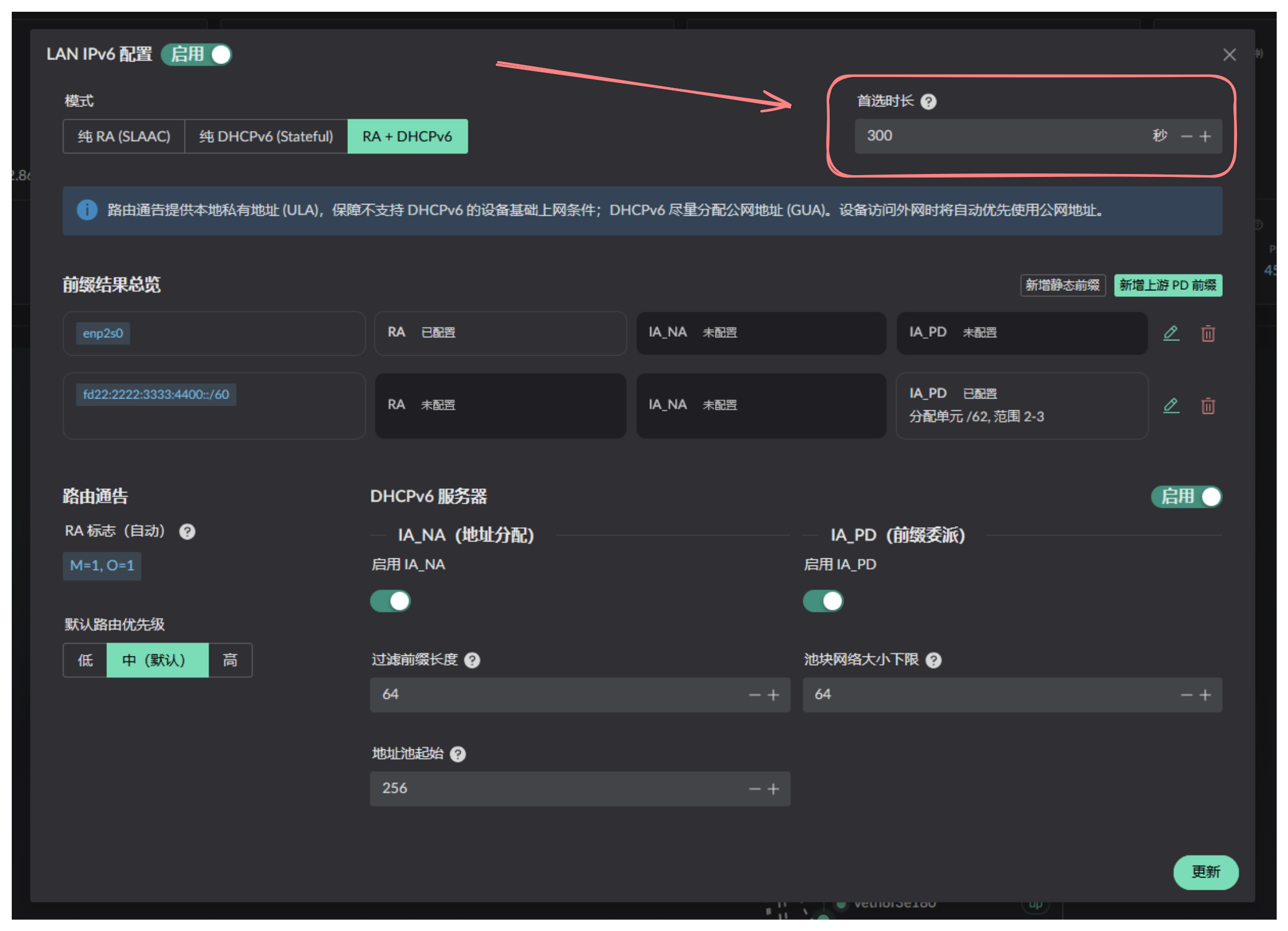
Landscape controls this through the LANv6 preferred lifetime. Computers usually keep the address for twice that duration, so avoid setting it too high. The default value of 300 seconds is a reasonable choice. Otherwise, waiting up to 10 minutes will allow the issue to resolve by itself.
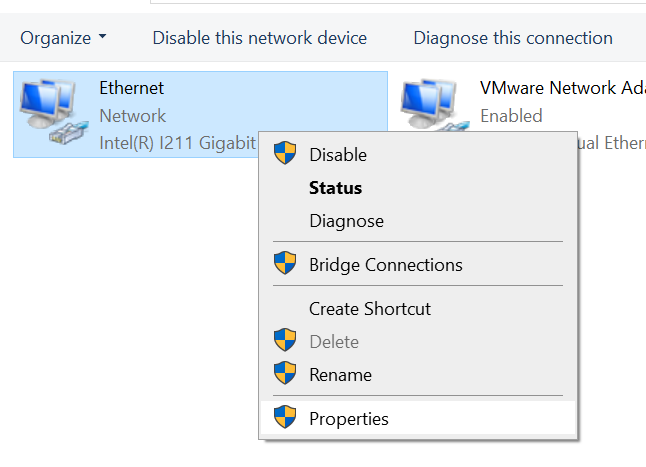
To refresh the address manually, open the network control panel and open the connection properties:
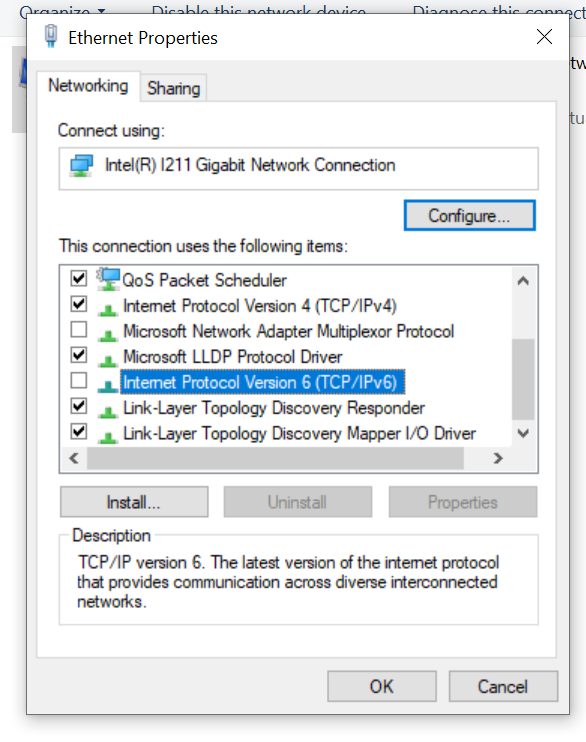
Clear the checkbox and click OK. Open the properties again and select the checkbox to trigger a manual refresh.