Destination-Locked NAT by Default
Conventional Symmetric NAT may create a separate mapping when the same internal endpoint communicates with a different external destination.
Landscape adds a destination-locking policy. For a given internal IP address, port, and protocol, the first external destination is allowed by default. Packets from that endpoint to another destination are dropped instead of creating another mapping.
Default behavior
With conventional Symmetric NAT, one internal endpoint can create different mappings for different external destinations:
Client A:port X -> Server B
  uses Router A':port Y

Client A:port X -> Server C
  uses another mapping, such as Router A':port Z
Landscape locks the endpoint to the first destination while the mapping is active:
Client A:port X->Server Bis allowed.Server B->Router A':port Yis allowed and translated back toServer B->Client A:port X.Client A:port X->Server Cis dropped; no second mapping is created.Server C->Router A':port Yis dropped.
This is a Landscape-specific policy rather than a separate standardized NAT category.
Why this default?
Some applications create many long-lived outbound flows and may compete with other traffic for uplink capacity. Peer-assisted CDN (PCDN) software is one example.
Landscape's default policy limits reuse of a single internal endpoint across destinations. It should be understood as a connection-isolation policy, not a bandwidth limit.
Enabling Full Cone behavior
Some applications may benefit from more permissive NAT behavior, including:
- peer-to-peer games
- mesh VPNs
- some VoIP deployments
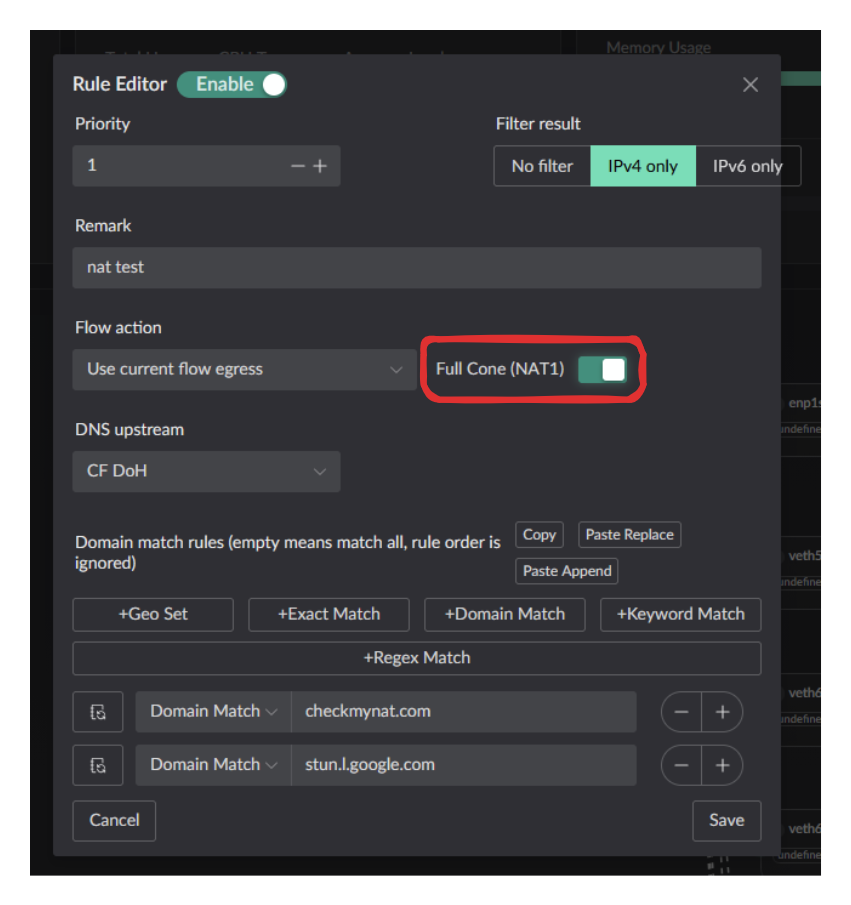
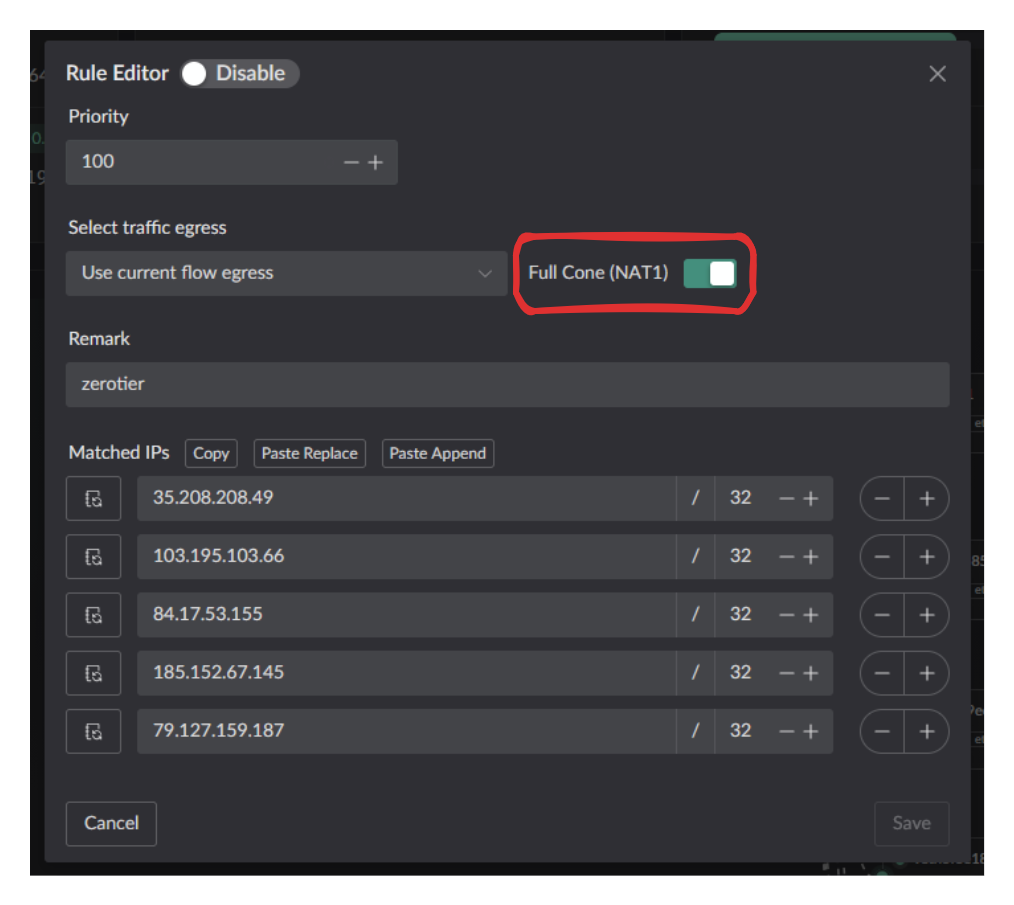
Full Cone NAT remains available for matching traffic through explicit rules.
- If you already know the port, use a static NAT mapping to allow that client port to use Full Cone NAT.
- If you know the target domain or IP, use a DNS rule or IP rule in the UI to control where Full Cone NAT is enabled.
Test result
When accessing checkmynat with the default behavior, this test reports:
Error: Failed, process was interrupted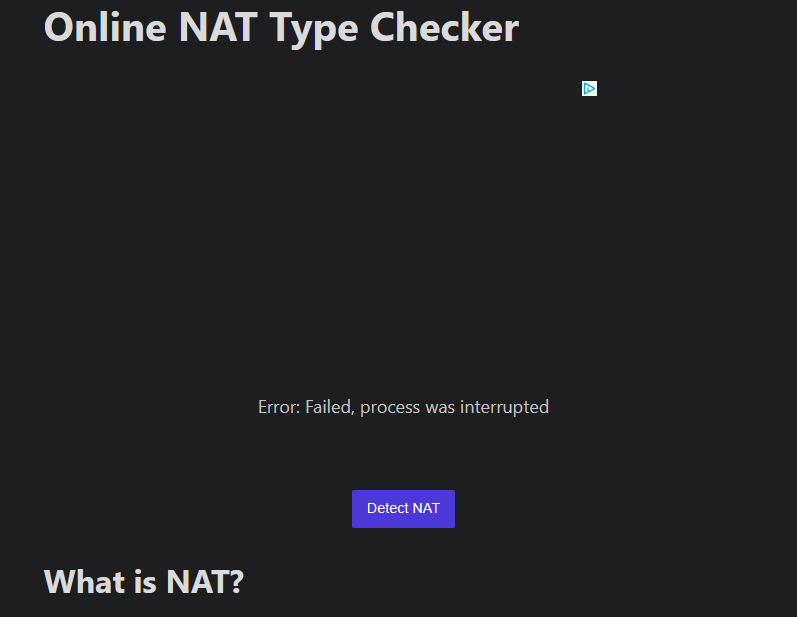
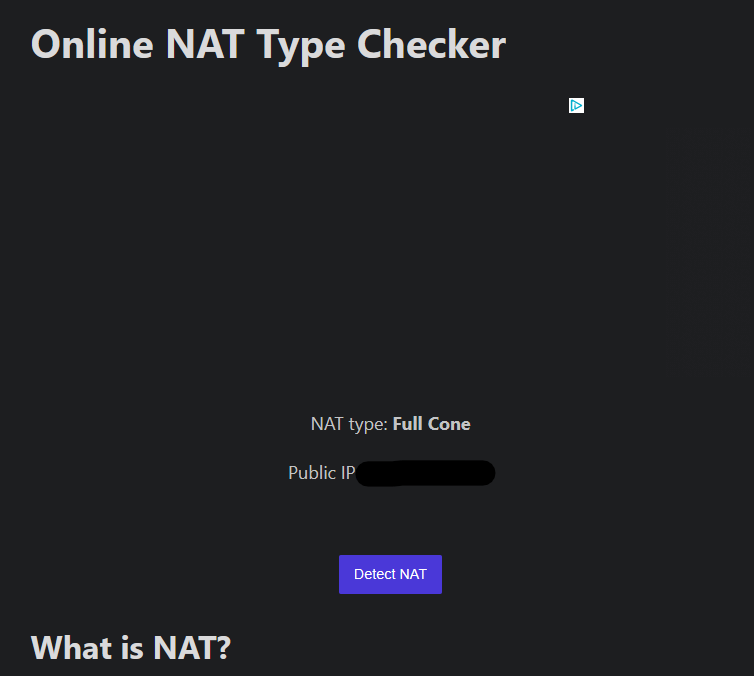
After enabling the Full Cone switch and testing again, the same test reports Full Cone NAT: