Exporting and Restoring Settings
WARNING
An exported configuration can only be restored by the same Landscape version that created it.
For a cross-version restore, first run the version that created the export and let it restore the initialization data. Then start the target version so its normal database migrations can run.
Restoring an exported configuration
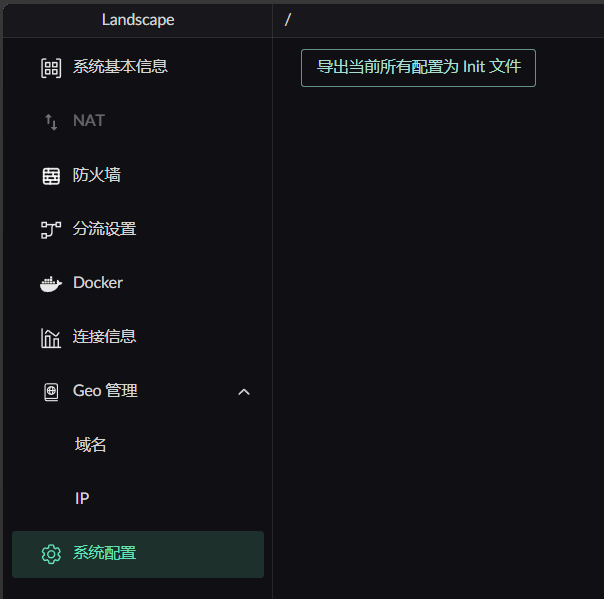
- Export the configuration to obtain
landscape_init.toml. - Copy the file into the
.landscape-routerdirectory. - Delete
landscape_init.lock. - Restart Landscape Router to import the file.
Verify the export before deleting the lock
Deleting landscape_init.lock makes Landscape reinitialize its configuration on the next startup. Confirm that landscape_init.toml is complete and that the running version matches the exported version before continuing.
For a field-by-field description of everything in that file, see landscape_init.toml Reference.
Settings included in the export
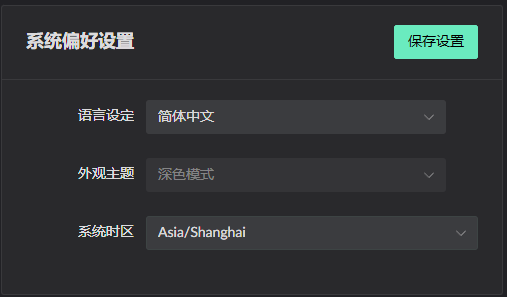
- System preferences
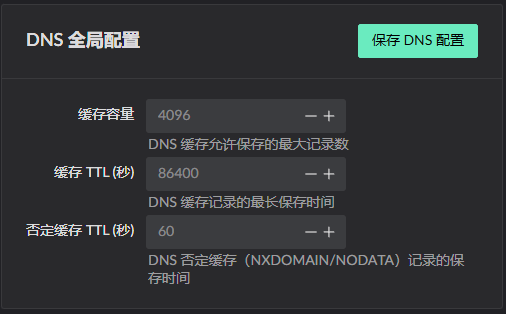
- Global DNS configuration
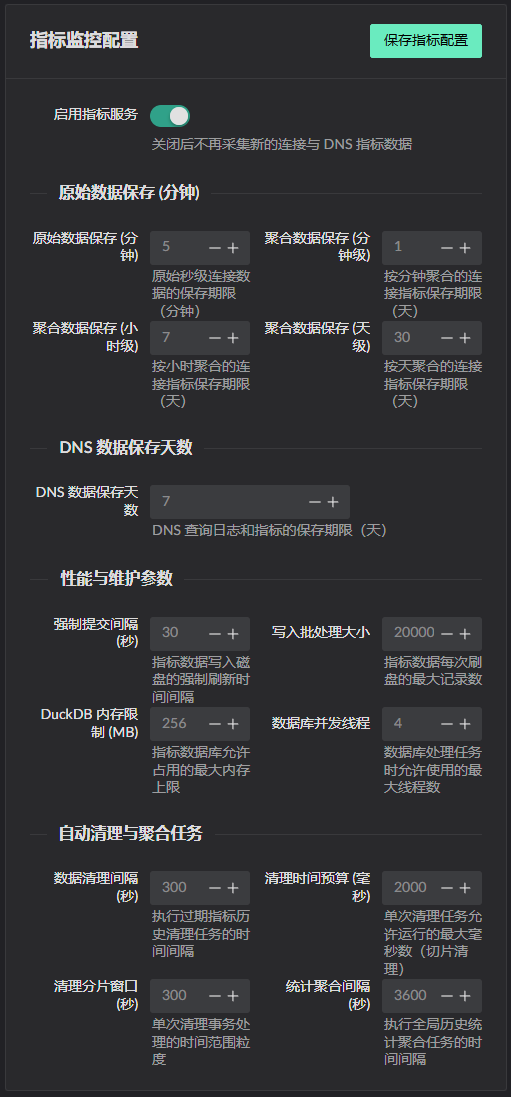
- Metrics configuration